
The book covers all aspects of the new user interface, including workspace layouts, iconic panels, the related documents feature, Live View, Code Navigator, and Live Code. It also shows how to use the improved CSS editing features, and JavaScript code introspection. There is also coverage of other new features, such as version control through Subversion integration, and the improved support for Photoshop integration through the use of Smart Objects.
• Takes you through your development environment set up
• Covers everything you need to create both standards compliant web sites, and dynamic web applications
• Teaches real world techniques using a series of step by step tutorials
The book covers all aspects of the new user interface, including workspace layouts, iconic panels, the related documents feature, Live View, Code Navigator, and Live Code. It also shows how to use the improved CSS editing features, and JavaScript code introspection. There is also coverage of other new features, such as version control through Subversion integration, and the improved support for Photoshop integration through the use of Smart Objects.
• Takes you through your development environment set up
• Covers everything you need to create both standards compliant web sites, and dynamic web applications
• Teaches real world techniques using a series of step by step tutorials

The Essential Guide to Dreamweaver CS4 with CSS, Ajax, and PHP
1000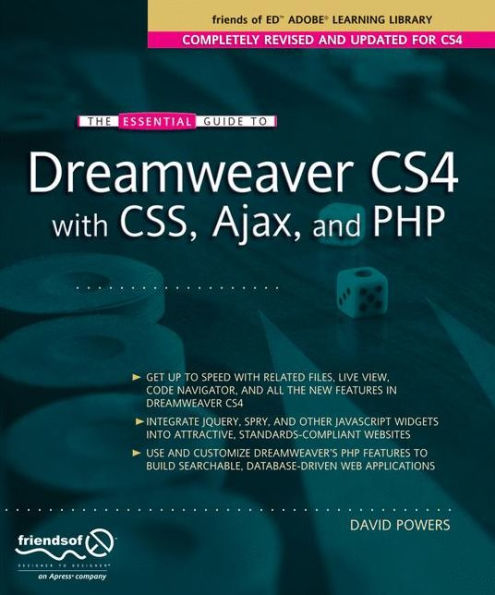
The Essential Guide to Dreamweaver CS4 with CSS, Ajax, and PHP
1000Paperback(1st ed.)
